
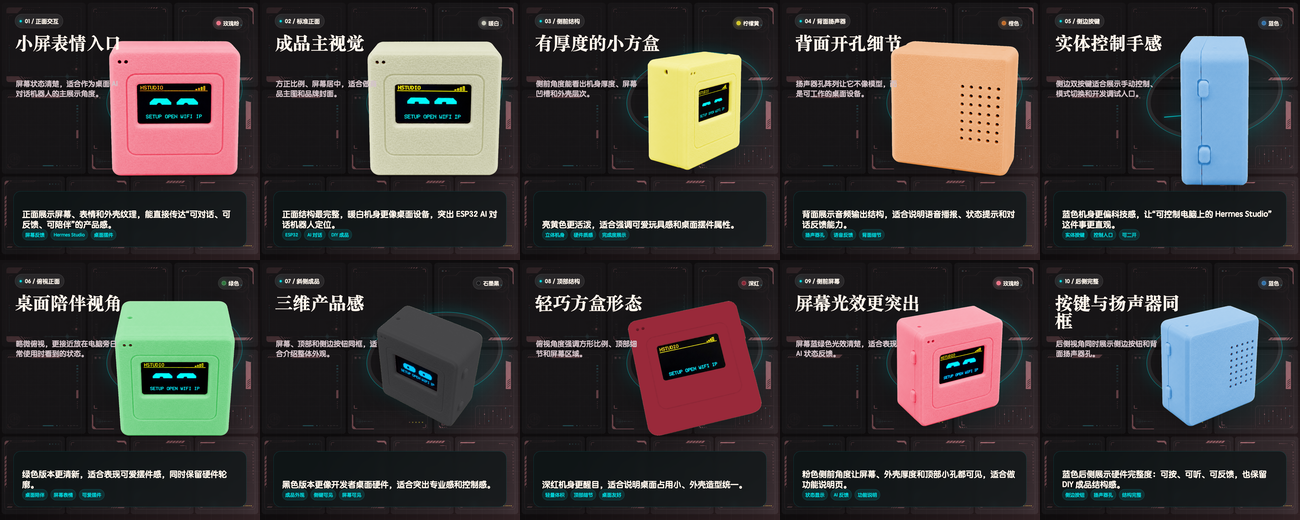
小屏表情入口
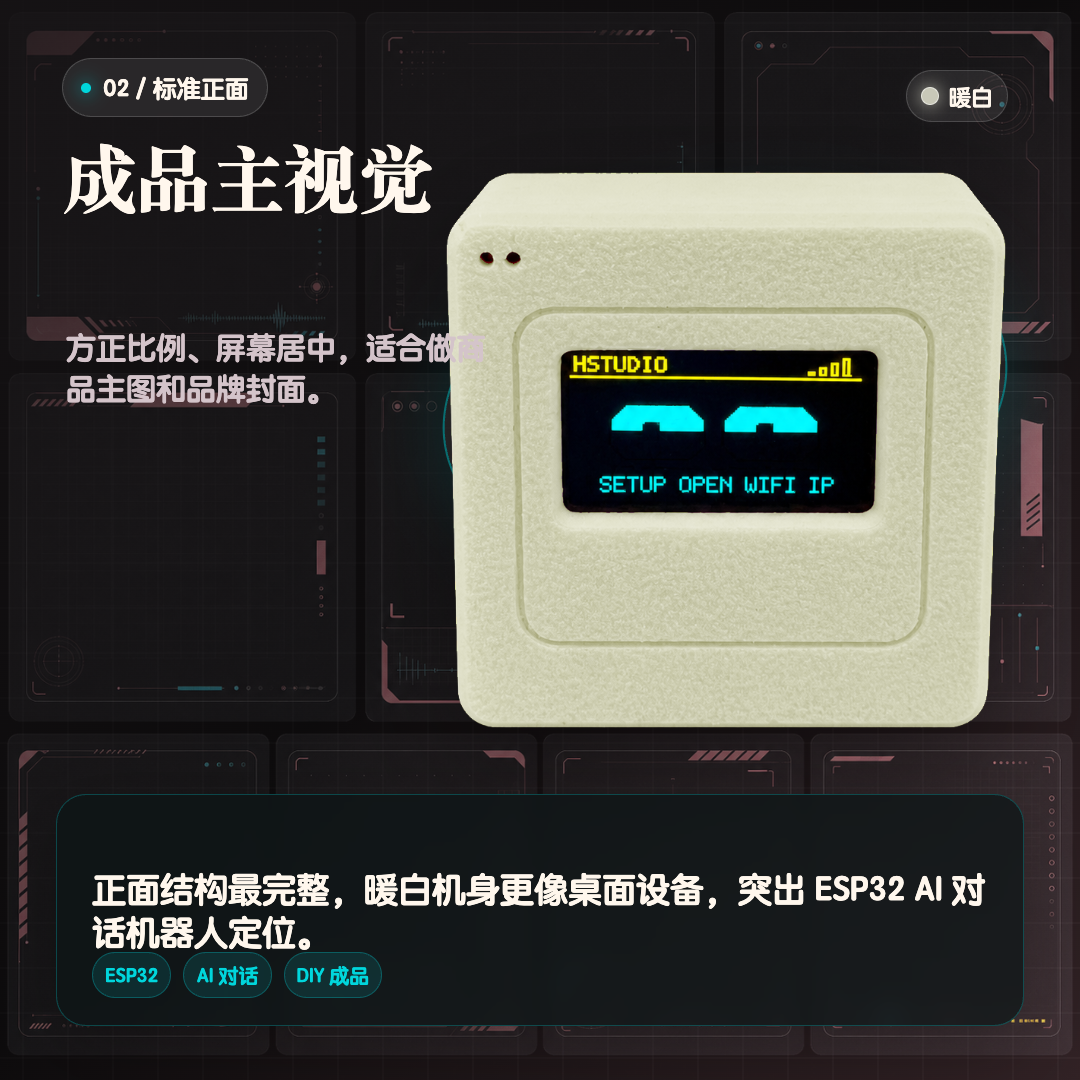
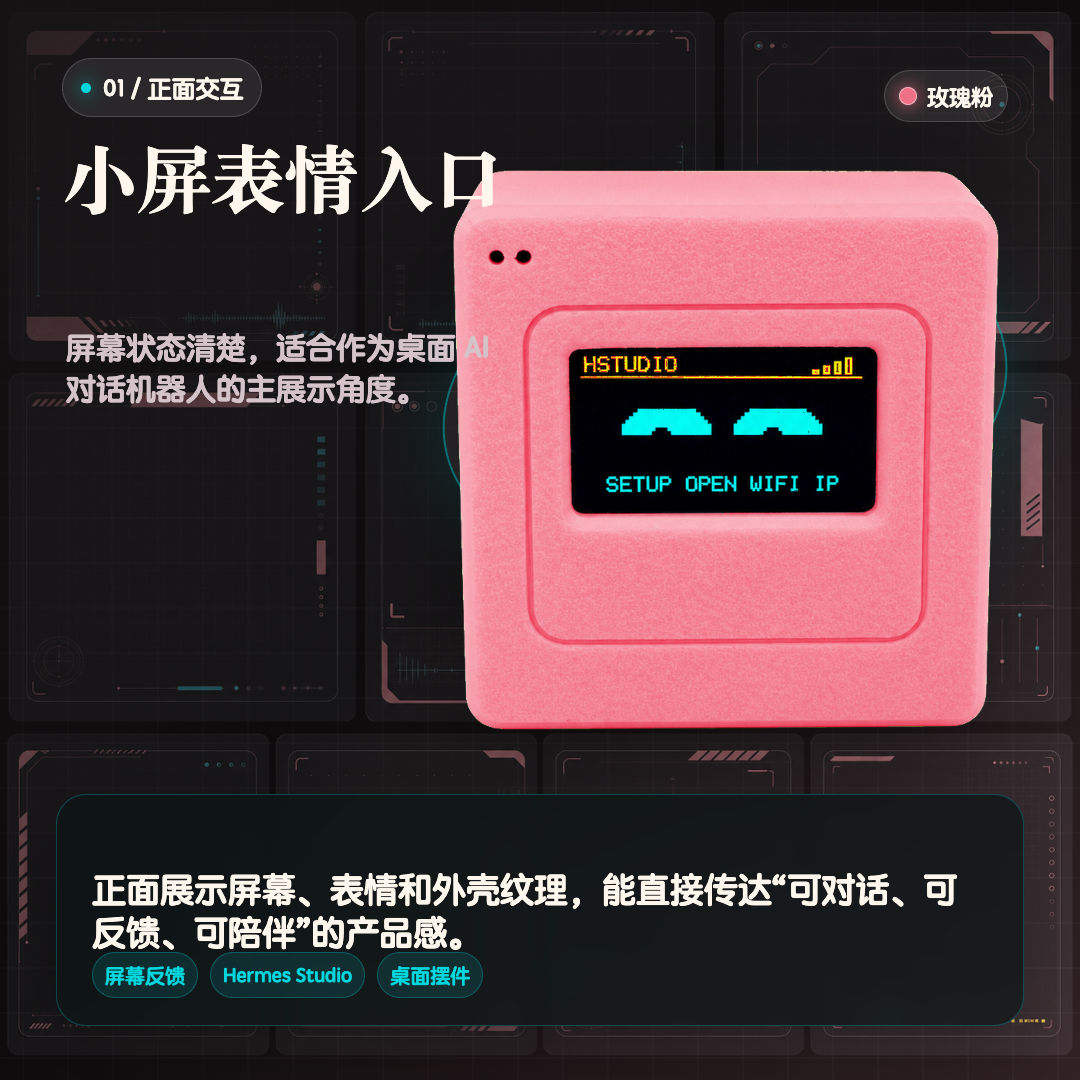
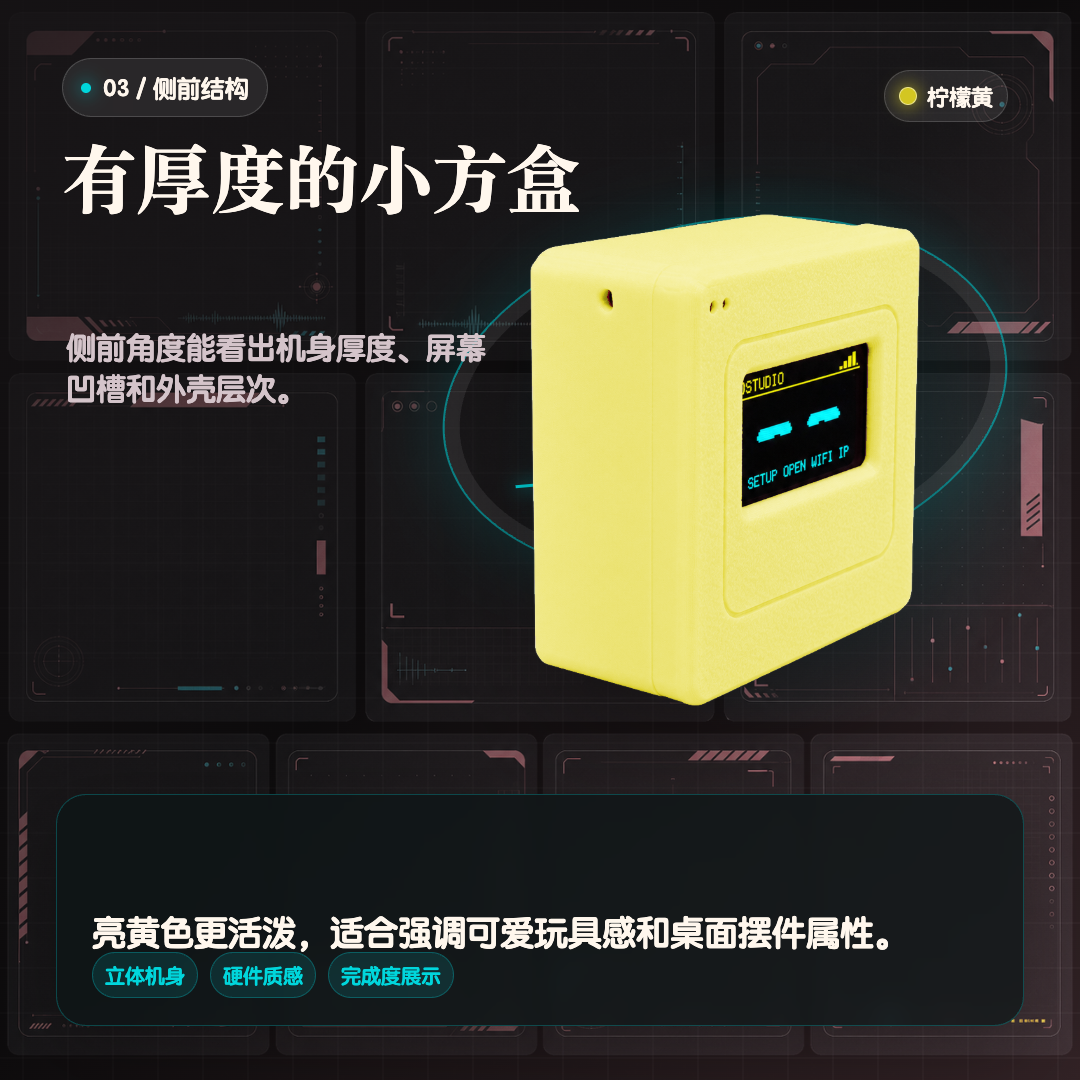
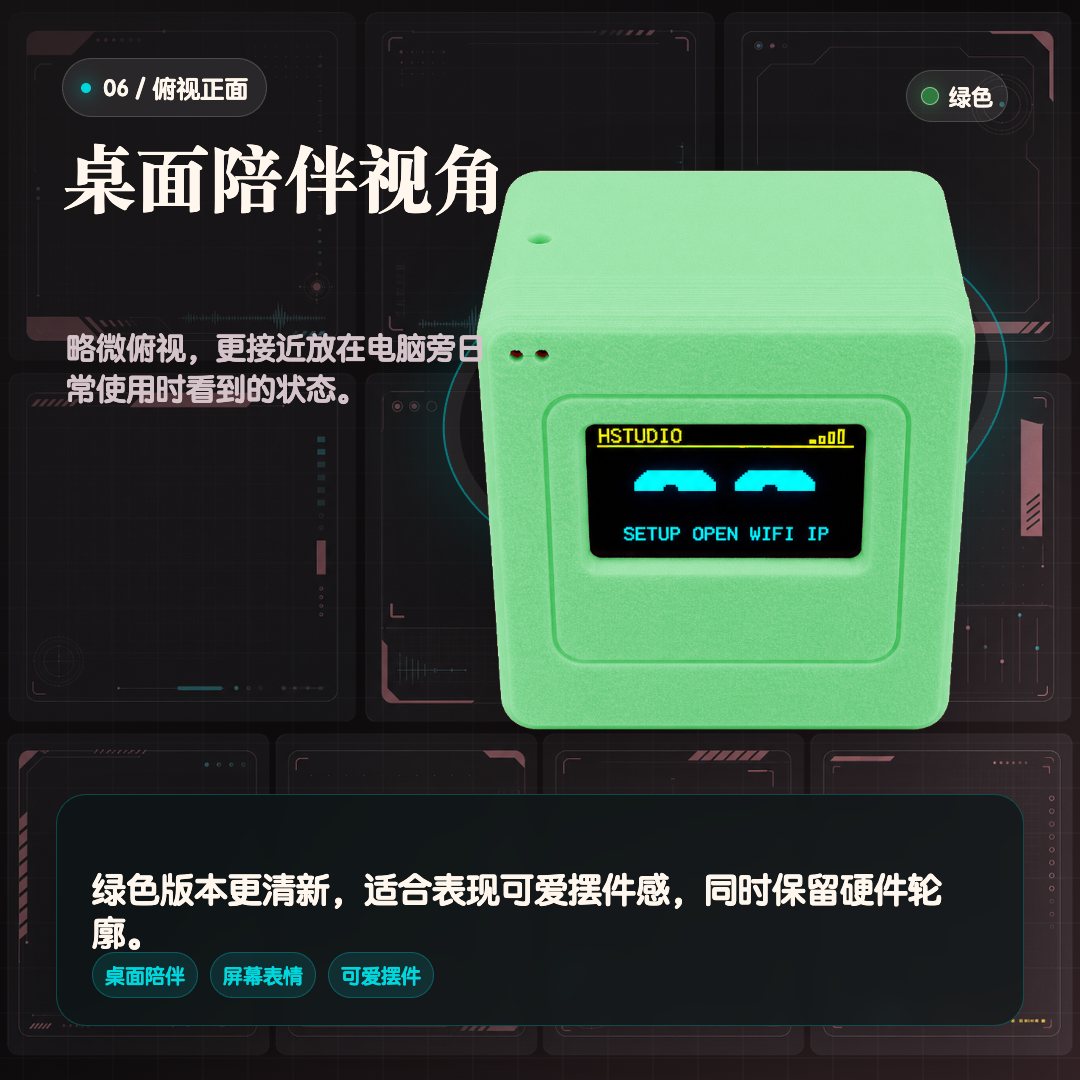
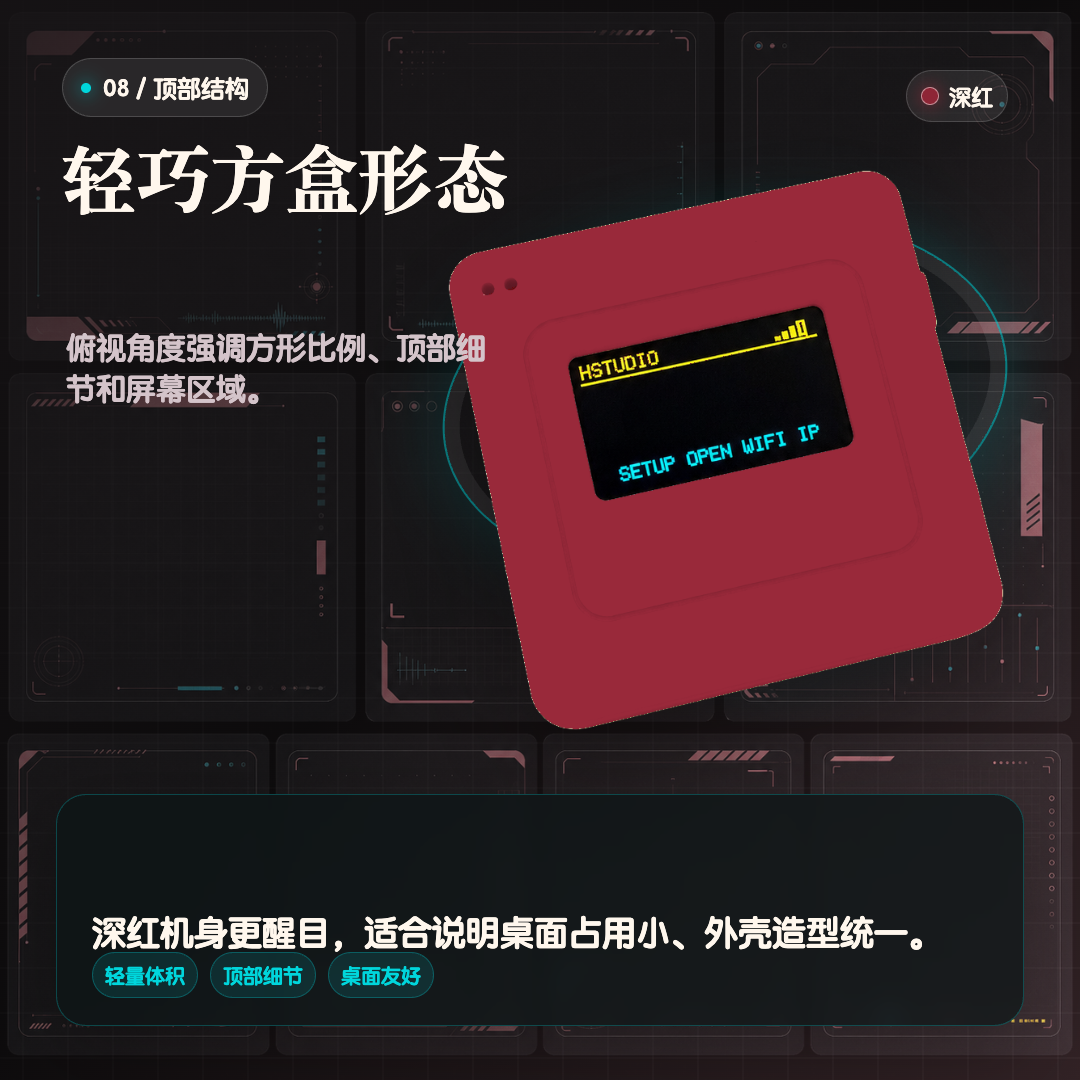
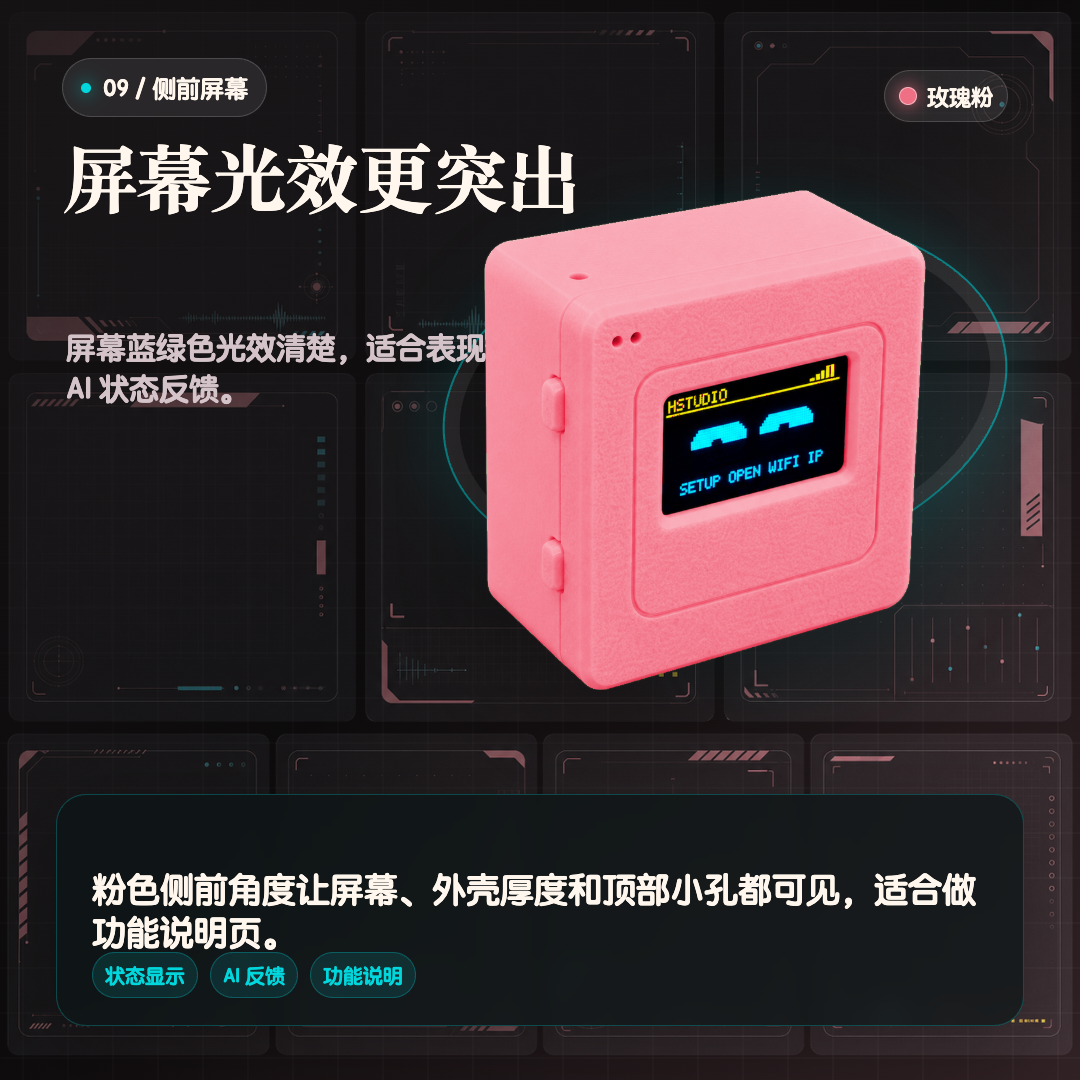
正面屏幕用于显示连接状态、配网提示和表情反馈,比单纯开发板更像一个完整桌面设备。
ESP32 负责硬件交互,Hermes Studio 负责模型、语音识别和语音合成。适合开源硬件玩家和 AI Agent 用户。
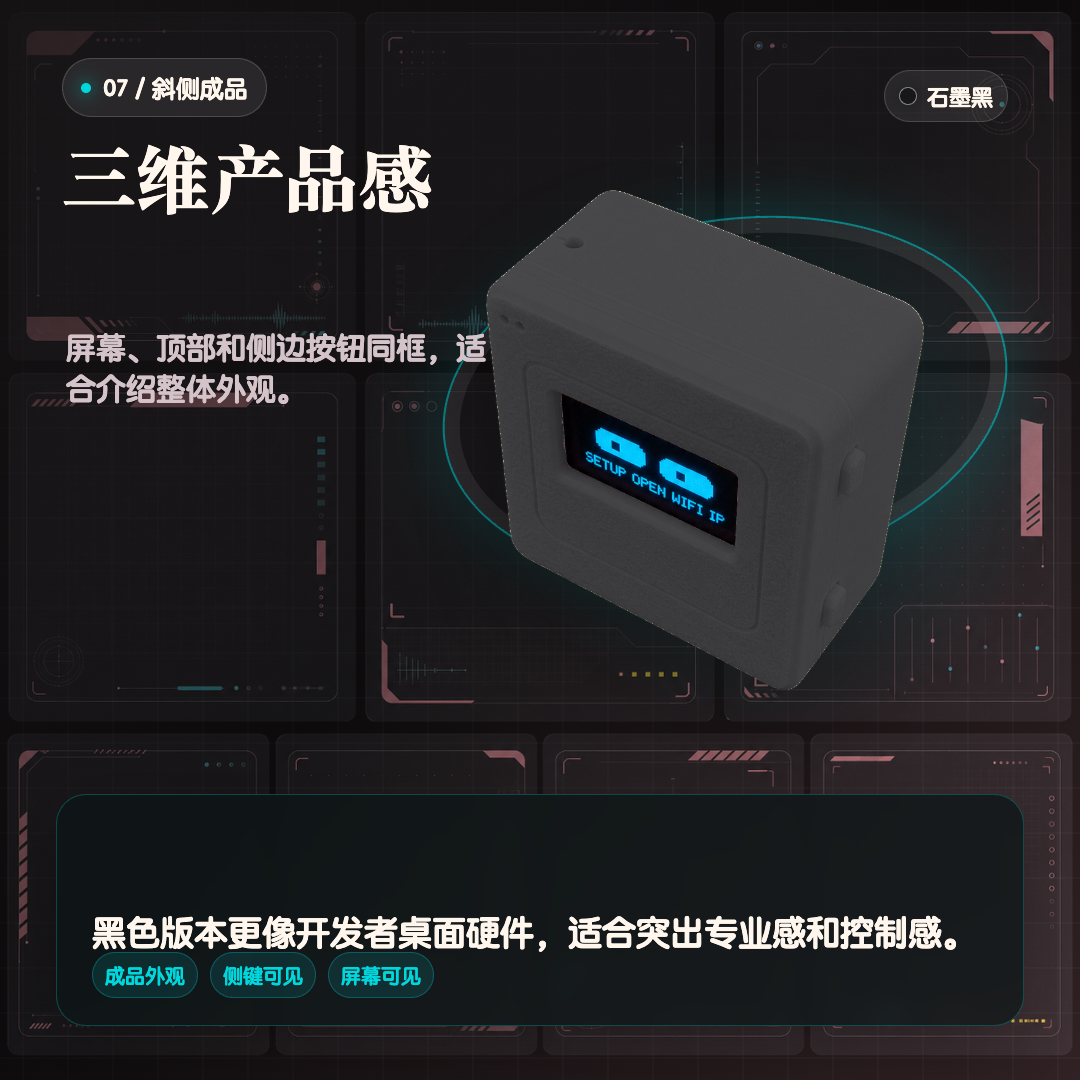
正面屏幕用于显示连接状态、配网提示和表情反馈,比单纯开发板更像一个完整桌面设备。
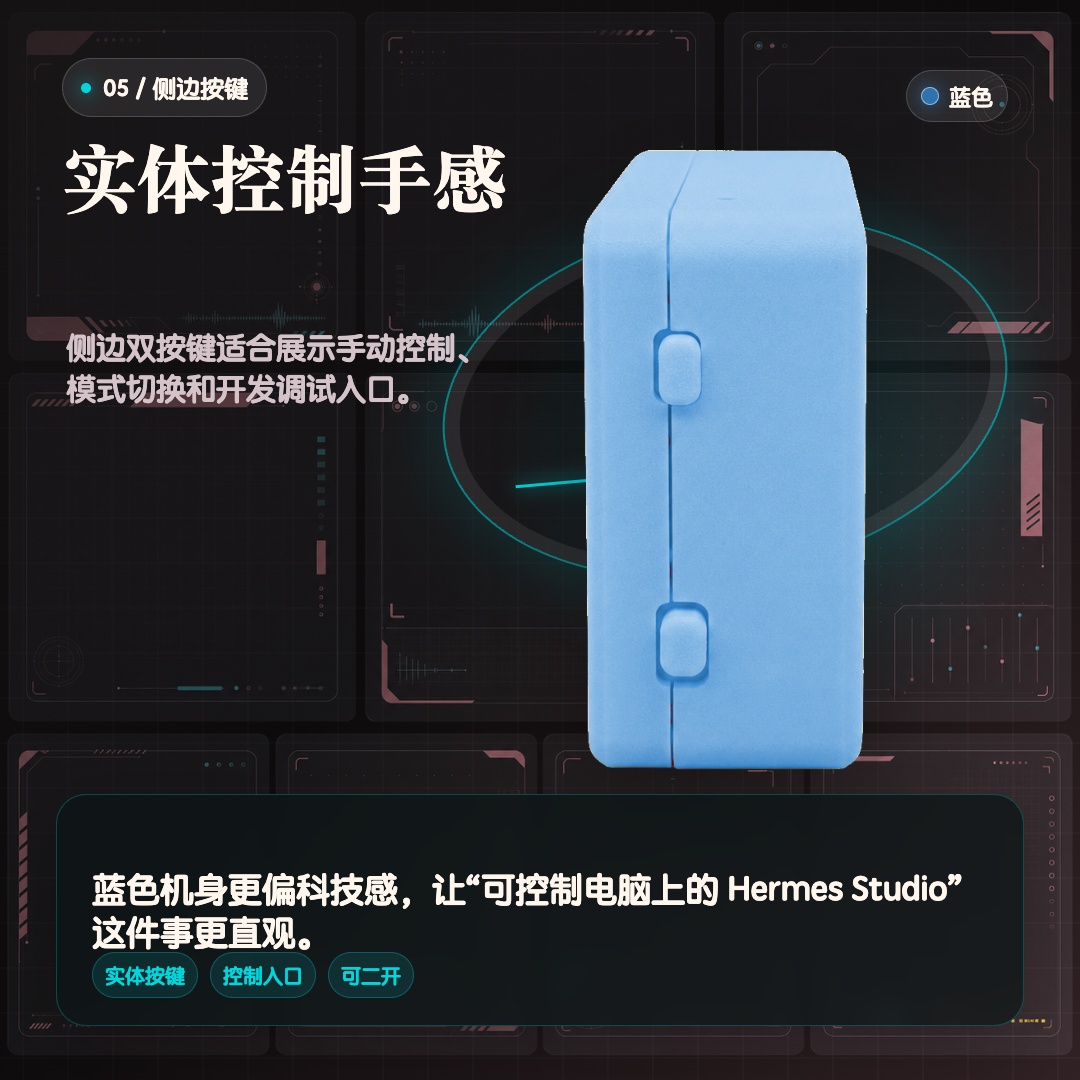
侧边按键适合触发语音交互、切换模式或做开发调试入口,让控制动作更明确。
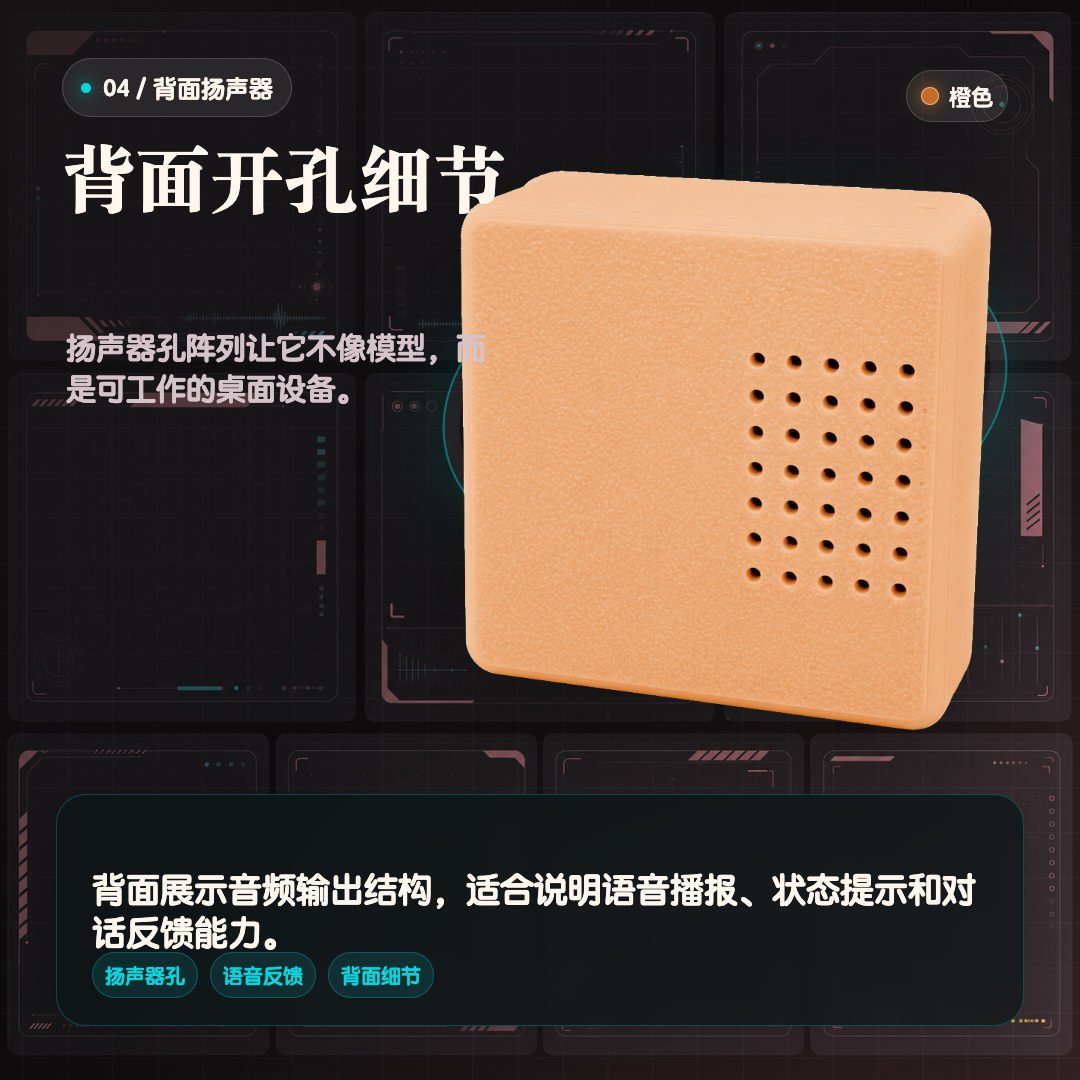
背面开孔用于语音播报和状态提示,定位是近场桌面反馈,不是大功率音箱。
商品详情页,从正面、小屏、侧键、背面扬声器到桌面摆放都覆盖到了。
第一次使用需要配网、连接 Hermes Studio,并在电脑端完成语音和模型服务配置。
http://192.168.4.1
示例:http://电脑局域网IP:8748
它是开源硬件风格的桌面入口,不是完全独立的消费级智能音箱。
本设备需要配合电脑端或者云服务器 Hermes Studio 使用,不是离线独立大模型设备。
AI 回复、语音识别和语音合成依赖用户自己的软件与服务配置。
ESP32 访问电脑时必须填写电脑局域网 IP,不能填写 127.0.0.1。
3D 打印外壳可能有轻微层纹,音频效果更适合近场桌面交互。
这些问题适合直接放到商品页,能提前过滤不适合买家。
不能。它需要连接电脑端或者云服务器 Hermes Studio。ESP32 负责硬件交互,AI 能力由 Hermes Studio 和用户配置的服务提供。
需要给设备配 Wi-Fi,在 Hermes Studio 中完成配对,并配置语音识别、语音合成和模型服务。
对 ESP32 来说,127.0.0.1 代表 ESP32 自己,不是你的电脑。需要填写电脑在局域网里的 IP 地址。
适合桌面近距离听,定位是语音提示和近场对话反馈,不是大功率音箱或远场智能音箱。
可以。它适合有 ESP32、Arduino、PlatformIO 或 Hermes Studio 使用基础的用户继续修改固件和交互逻辑。
发货前建议完成固件刷入和基础通电检查。买家收到后按教程配网、配对和配置语音服务即可开始体验。